A little more detail.
A lot more possibility.
Give small images a larger canvas with real AI super-resolution.
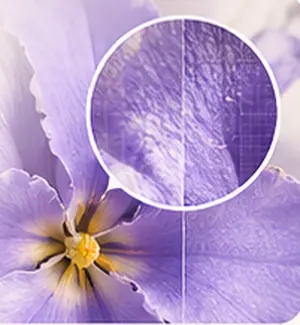
↗
FREE AI IMAGE UPSCALER · MADE FOR YOUR BROWSER
Give small images a little more possibility.
Upscale 2× or 4× with AI — without uploading your photos.
Local processing. Up to 1 MP working input; larger images need your approval.
 A bigger pictureMore possibilitiesStart small
Style illustration · try a sample for a real AI result
No sign-in. No watermark.
First run downloads about 30 MB. Large images may take minutes.
Your image stays in this browser. No upload queue. No sign-in.
AI-powered upscalingReal-ESRGAN, locally
2× or 4× resolutionChoose your bigger picture
Completely freeNo sign-in. No watermark.
Private by designYour device does the work
LITTLE IMAGES. NEW POSSIBILITIES.
Photos, illustrations, everyday favorites.
Choose a sample and see what the AI can do on your own device.
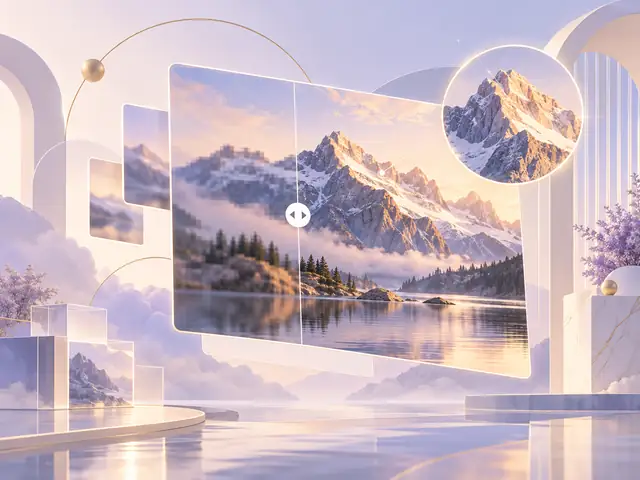
Ordinary resizing estimates nearby pixels. Real-ESRGAN predicts textures and edges using learned image patterns — all through WASM in your browser.
It can make an image look clearer, but AI can also invent details. Check faces, text and fine textures before using the result.
THREE SMALL STEPS. NOTHING TO SIGN UP FOR.
A free image upscaler with no sign-in, no credits and no server queue.

Drop in a JPG, PNG or WebP. Your browser opens it locally, and your original stays untouched.

Pick a size and start the AI. WASM works through the image in tiles. Follow the progress or cancel anytime.

Check the result with the slider and download PNG, JPG or WebP. No watermark. No sign-in.
The first run downloads the AI engine and model. Processing speed depends on your device — we don’t promise instant results.
A LITTLE LESS SHARING. A LOT MORE PEACE OF MIND.
We bring the model to your image, not your image to a server. Processing happens on your CPU, inside this browser.
No sign-in, ever needed here.No account, email address or payment required to use this version.
No photo uploads.We serve the website and AI files. Your selected image stays on your device.
No GPU requirement.All AI processing uses WASM. No hidden switch to a paid cloud API.
FOR THE IMAGES ALREADY IN YOUR LIFE.
One general-purpose model.
Lots of things to try.
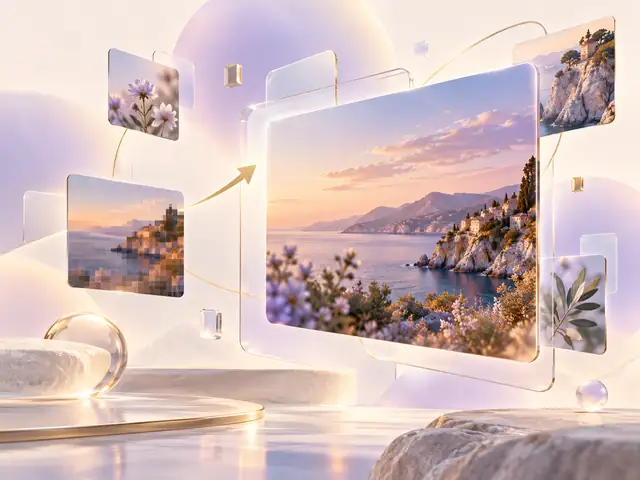
Give a small photo more room in a personal project, presentation or social post. Always keep your original.

Enlarge a smaller product photo. Inspect logos, labels and materials so the AI doesn’t change what you’re selling.

Try artwork and line-based images with the general model. No separate anime-specific model is included.

Create a larger visual for your layout. Keep transparency with PNG or WebP, or export JPG on white.
CLEAR ABOUT WHAT “CLEARER” MEANS.
More pixels are useful. They’re not a guarantee of perfect detail.
| What matters | Standard resizing | Upscaler.im |
|---|---|---|
| How pixels are made | Calculated from neighboring pixels | Predicted by a learned AI model |
| Image detail | Often looks soft when enlarged | Can give sharper-looking edges and textures |
| Processing | Usually very quick | Local WASM; speed depends on your CPU |
| The trade-off | No learned detail reconstruction | Can introduce invented or changed details |
| Sign-in & watermark | Depends on the tool | No sign-in. No watermark. |
Native 4× model; the 2× option downsamples the AI output. Not a face-restoration, colorization or scratch-removal tool. For evidence, medical images or exact text, rely on the unmodified original.
GOOD QUESTIONS. STRAIGHT ANSWERS.
About the free image upscaler,
your pictures and your privacy.

Yes. You can choose an image, upscale it 2x or 4x and download the result without an account, sign-in, email address, credits or payment. There is no watermark. This version processes one image at a time on your device; input and device limits still apply.
No. Image decoding, AI inference, comparison and export happen in your browser. The website, public illustrations, AI model and WASM runtime are downloaded from our Cloudflare infrastructure. Those normal network requests include connection data such as your IP address, but your selected image pixels and filename are not sent to an image-processing server.
Real-ESRGAN general x4v3 predicts a larger image using learned image patterns. ONNX Runtime Web runs the model with WebAssembly (WASM) on your CPU, inside a background Web Worker. It processes overlapping tiles to control memory use. No GPU, WebGPU or paid AI API is required.
The factor applies to both width and height. A 512 × 512 input becomes 1,024 × 1,024 at 2x or 2,048 × 2,048 at 4x. Our model produces native 4x output; the 2x option downsamples that AI result. Choosing 2x does not mean the model does half the work.
Use a JPG, PNG or WebP file up to 20 MB. The working input is limited to 1,048,576 pixels and a maximum side of 2,048 pixels. For larger images, you must approve a smaller working copy before processing. Export PNG, JPG or WebP. PNG and WebP can retain transparency; JPG uses a white background. Animation and original EXIF metadata are not preserved.
It depends on your CPU, image dimensions, browser and available memory. The first run downloads approximately 30 MB of runtime and model files; your browser can cache them. Large images may take several minutes, especially on mobile. A tile counter shows progress. Keep the tab open or use Cancel to stop.
You can try all of these with the general-purpose model. This version does not include a dedicated anime model, face restoration, scratch removal, background removal or black-and-white colorization. AI can change faces, text and fine textures. Inspect your output and keep your original.
Local AI uses memory and CPU on your own device. The working-size limit helps reduce crashes and long processing times. We show the proposed dimensions and ask first. The selected 2x or 4x factor applies to the working copy, not to the larger original, which remains unchanged.
The tool does not add a watermark or require a paid download. You are responsible for having the necessary rights to the source image and its use. Upscaling does not create a license to someone else’s photo, artwork or brand assets.
Try a smaller image, close memory-heavy tabs and reload in an up-to-date browser. On a phone, keep the tab in the foreground. We show a failure rather than silently upload your image or substitute ordinary resizing for AI processing.

NO SIGN-IN. NO WATERMARK. JUST YOUR PICTURES.
Try our free AI image upscaler, right here in your browser.
Upscale an image — free
Selected image files, pixels, filenames and AI output are processed in this browser and are not uploaded to an image-processing server. The site, its public sample images, model and WASM files are served through Cloudflare. Normal connection and security information, such as IP addresses, is processed to deliver and protect the site. No analytics or advertising scripts are installed in this version. Your browser may cache public assets, not your selected photos. Image data remains in the tab’s memory until cleared, replaced or the tab is closed. Downloads are saved to your device. Private processing does not make a compromised device or browser extension safe.
Use images you own or have permission to process. Keep your originals. AI can invent details, alter text and change faces or textures; review all results. This tool is provided as-is without a guarantee of accuracy, availability or suitability. One image is processed at a time. Files up to 20 MB are accepted; the working input is limited to 1,048,576 pixels and a 2,048 px maximum side. Larger sources need your consent for a reduced copy. Large files may take minutes and use significant CPU, memory and battery. Still-image export does not preserve animation or EXIF metadata. The decorative illustrations are generated concept artwork, not measured before-and-after results.
AI model: Real-ESRGAN general x4v3 by Xintao Wang and contributors, BSD 3-Clause license. ONNX conversion: CoderViking, commit c6a971706797c7502945a2b4c4274fce4900d4ab. Model integrity is verified before inference. Engine: ONNX Runtime Web 1.23.2, MIT license. This release explicitly uses the WASM execution provider, with no GPU or cloud inference. The model authors do not endorse this website. Interface and generated decorative artwork prepared for Upscaler.im.


